How to Complete a Crypto Cashout from Coinbase Fast
WHAT ARE COINBASE LOGS?
Coinbase logs refer to Coinbase accounts that already have a cryptocurrency balance. Instead of beginning with zero funds, these logs provide access to accounts with available balances that can be withdrawn or exchanged for other coins.
Typically, Coinbase logs come with all the necessary login details to access the account securely.
HOW TO BUY A COINBASE LOG
On our platform, you can find Coinbase logs for sale in different balance ranges. Whether you need a smaller balance for testing or a larger one for significant cashouts, various options are available. COINBASE LOGS
-
Steps in the Purchase Process:
-
Browse Available Logs – Look through the balance ranges and specific accounts.
-
Select Desired Balance – Pick the Coinbase log that fits your requirements.
-
Make Your Purchase – The checkout process is quick and easy.
-
Instant Delivery – Orders are sent to your email within 5–10 minutes.
This efficient and automated system ensures you won’t have to wait long to access your purchased Coinbase log.
WHAT YOU RECEIVE AFTER PURCHASE
When you buy a Coinbase log, you receive more than just a username and password. You get a complete package that simplifies the login and cashout process.
Here’s what’s included:
-
Login Credentials – Coinbase account email/username and password
-
Email Access – Complete login details for the associated email account
-
Auth Code Access – To receive Coinbase verification codes directly
-
2FA Disabled – Removing the need for SMS or authentication apps
-
Cookie File – Helps minimize login triggers and avoid suspicious logins
-
Last Login IP – To bypass security checks and maintain consistency
This ensures that when you log in, there’s a reduced risk of account lock or forced verification.
HOW TO LOG INTO COINBASE LOGS
Logging into your Coinbase account using the provided information is simple, but following the correct steps can help prevent issues.
Step-by-Step Login Process:
-
Visit Coinbase.com or Use the Coinbase App
-
Always access the official website or app to help avoid phishing attempts.
-
Enter Your Login Details
-
Type in your registered username/email and password.
-
Check Your Email
-
Coinbase may send a verification code when you log in from a new device. Make sure you can access your registered email to retrieve it.
-
Input the Verification Code
-
Enter the code to complete the required security check.
-
Access Your Account Dashboard
-
After logging in, review your balance and account information.
👉 Need Help? For beginners, we offer step-by-step support through:
-
Telegram Support: TELEGRAM
-
WhatsApp Support: WHATSAPP
HOW TO CASHOUT COINBASE LOGS
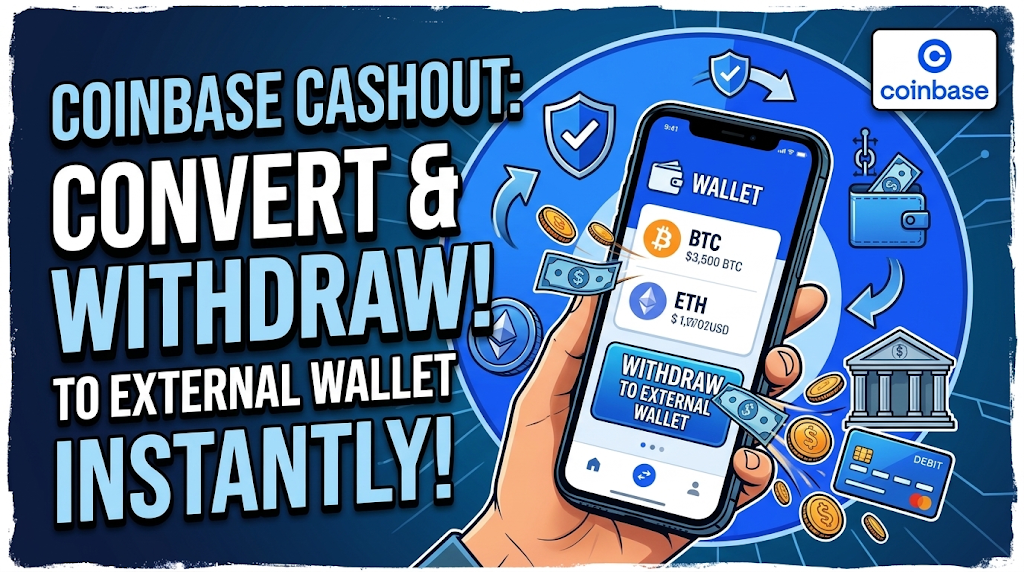
After logging into your Coinbase account and verifying your balance, the next step is to withdraw funds to your own wallet.
Option 1: Withdraw Directly to Your Wallet
-
Go to Wallet > Withdraw.
-
Input your personal wallet address (TrustWallet, Bitget, SafePal, or Exodus Wallet are recommended).
-
Select the coin you want to withdraw and confirm the transaction.
Option 2: Swap Before Withdrawing
If your account balance is not in your desired cryptocurrency, for instance, if it shows BNB, XRP, or DOGE, but you want USDT or BTC:
-
Navigate to Trade > Convert/Swap.
-
Change the coin to your preferred cryptocurrency.
-
Then go to the Withdrawals page.
-
Withdraw the converted coin to your external wallet.
RECOMMENDED WALLETS FOR COINBASE WITHDRAWALS
When withdrawing Coinbase logs, it's crucial to use reliable wallets. Here are some of the best options:
-
TrustWallet – Ideal for mobile users, supports various blockchains.
-
Bitget Wallet – Safe, easy to use, and popular for altcoins.
-
SafePal Wallet – Offers both hardware and software options for enhanced security.
-
Exodus Wallet – Highly suggested, especially for easy conversions.
HOW LONG DOES THE CASHOUT TAKE?
The cashout process from logging in to final withdrawal usually takes 15–20 minutes if done properly. This includes:
-
Logging into your Coinbase account.
-
Verifying the balance.
-
Converting coins (if needed).
-
Withdrawing funds to your wallet.
Once the withdrawal is confirmed on the blockchain, you will see the funds in your wallet.
BEST PRACTICES FOR SUCCESSFUL CASHOUT
To ensure a smooth cashout experience, follow these guidelines:
-
Always verify the wallet address before withdrawing.
-
Use the cookie file and last login IP for safer access.
-
If you're new, start by withdrawing smaller amounts.
-
Convert coins to stablecoins (like USDT) for stability.
-
Reach out to support if you face login verification issues.
CONCLUSION
With the provided login details, email access, and 2FA turned off, Coinbase logs are delivered smoothly. After your withdrawal is finished, you can always come back to our platform to buy more Coinbase logs and repeat the process.
Related Posts