How to Link Debit and Credit Cards to PayPal, CashApp, and ApplePay
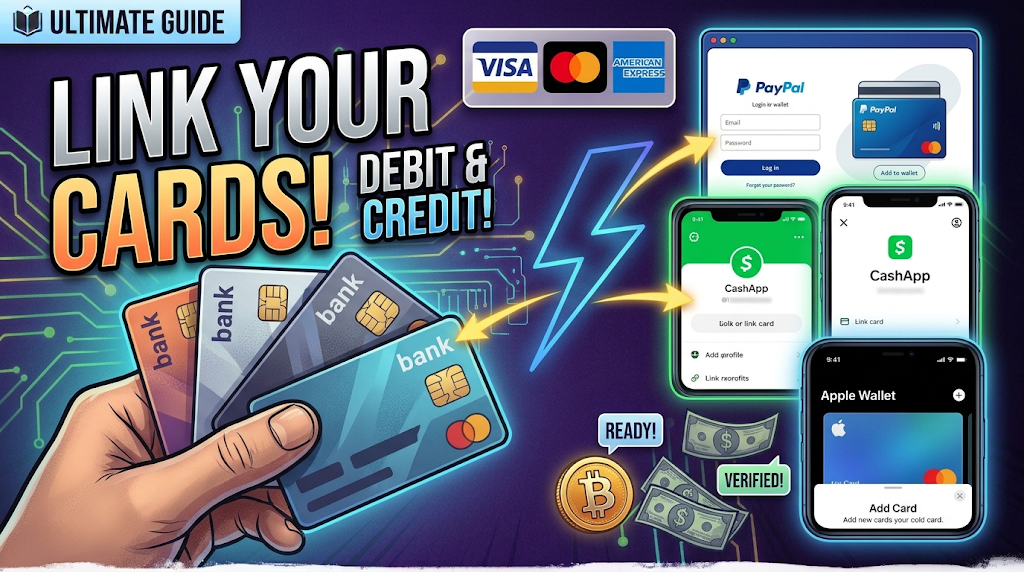
Looking for a convenient way to use your linkable debit or credit cards across popular digital platforms like PayPal, Cash App, or Apple Pay ? This guide walks you through the process of selecting a suitable card, linking it to your preferred app and making the most cashout available to you.
🛒 Step 1: Choose an Eligible Debit or Credit Card
Start by reviewing the available card options on our LINKABLES.
Before selecting a card, confirm that it is authorized for your use, the card's issuing country, usage restrictions, and compatibility with your preferred platform.
Choosing a suitable card from the beginning can help minimize setup issues.
🔗 Step 2: Link Your Card to PayPal, Cash App, or Apple Pay
Once you have an eligible card, select the payment platform you want to use and follow its official instructions.
Option A: PayPal
-
Sign in to your own PayPal account through the official website or application.
-
Open the Wallet section.
-
Select the option to link a debit or credit card.
-
Enter the requested card information.
-
Complete any verification steps.
-
Confirm that the card appears in your wallet.
Once linked, the card is now ready for cashout.
Option B: Cash App
-
Open Cash App and sign in to your account.
-
Navigate to the banking or linked-card section.
-
Select the option to add a debit card, where available.
-
Enter the requested information.
-
Complete any verification requirements.
-
Check that the card has been added successfully.
Debit card is preferable. Not every credit or prepaid card is supported.
Option C: Apple Pay
-
Open the Wallet app on your compatible Apple device.
-
Select the option to add a card.
-
Scan your card or enter the details manually.
-
Wait for confirmation that the card has been approved.
-
Use Apple Pay for eligible purchases and Apple Cash Topup
Apple Pay primarily facilitates payments using eligible cards.
💳 Step 3: Verify Your Card and Review Available Features
After linking your card, confirm that the platform has accepted it and that any required verification is complete.
Review the features available to your account before initiating a transaction.
-
PayPal: Check which payments and card-funded transactions are supported.
-
Cash App: Review the funding, payment, and transfer features available to your account.
-
Apple Pay: Confirm that your card is ready for eligible in-store, online, or in-app purchases.
Keep in mind that linking a card and adding money to an account are separate processes. Some platforms do not support adding funds from every card type.
💰 Step 4: Make Eligible Payments and Manage Your Funds
Once your card is verified, you can use the supported features of your chosen platform.
-
Review the amount you intend to spend or transfer.
-
Confirm that the transaction is supported by your card and account.
-
Check any applicable fees and transaction limits.
-
Verify the recipient or merchant details.
-
Confirm the transaction and retain the receipt.
-
Review your transaction history to ensure the payment was processed correctly.
Use only cards and funds you are authorized to access. Do not assume that a linked card can be used to fund every wallet or transfer money to every destination.
🤝 Step 5: Get Assistance When Needed
If you need help understanding card compatibility, setup requirements, or supported payment features, consult our live-chat support for your chosen platform for help.
Our support team can also provide general information about available products and help clarify setup requirements through our published customer-support channels.
Before purchasing a card, verify its issuing details, terms of use, and compatibility with your intended cashout platform.
🎉 Conclusion: Get Started With Digital Payments
Connecting a linkable debit or credit card to PayPal, Cash App, or Apple Pay can make everyday cashout more convenient. By choosing the best suited card, following the correct setup instructions, and understanding each platform's features, you can manage your payment options with greater confidence.
Remember that PayPal, Cash App, and Apple Pay have different capabilities, and not every card supports every transaction or funding method.
Ready to get started?
Visit our Linkables section to review the available products and confirm their requirements before making a purchase.