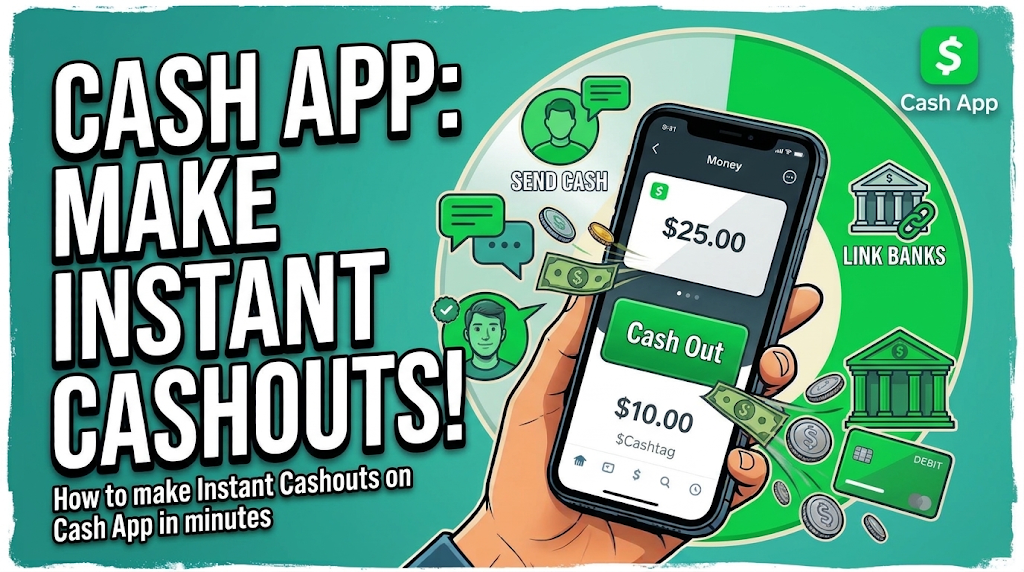

How to Withdraw Money from CashApp Logs
1. WHAT ARE CASHAPP LOGS ?
CashApp is a digital payment service that allows eligible users to send and receive money, make payments, and access Bitcoin features where supported. The term “Cash App logs” refers to account login credentials with existing balance on them which can be used to execute all cashapp related transactions.
2. HOW TO ACQUIRE A CASHAPP LOG
You can browse our CashApp Logs section and make your pick based on the balance range that fits your budget. It will be delivered to you once purchased, after-which you can proceed to login and confirm if it is exactly what you requested for.
3. HOW TO CASHOUT FUNDS FROM CASHAPP LOGS
(i) Withdraw to a Bank Account or Debit Card
-
Open CashApp and access your available balance.
-
Select the banking or withdrawal option.
-
Choose an eligible linked bank account or debit card.
-
Follow the instructions and review any applicable fees.
-
Confirm the withdrawal to your bank/card.
(ii) CashApp to CashApp Transfer
-
Open CashApp and select the payment option.
-
Enter the recipient's details.
-
Specify the amount you want to send.
-
Verify the recipient and amount.
-
Confirm the payment.
(iii) Buy and Withdraw Bitcoin (BTC)
-
Check whether Bitcoin services are available and enabled for your account.
-
Review the purchase amount and applicable fees.
-
Purchase Bitcoin using the supported features.
-
If external withdrawals are available, enter your compatible wallet address.
-
Verify the address and network details before confirming.
CONCLUSION
Cash App offers different ways to manage funds, including eligible bank withdrawals, payments to other users, and Bitcoin transactions where supported. Available features, limits, and fees depend on your account and location. Always use authorized accounts and verify transaction details before confirming a transfer.
Related Posts