
How to Fund Shakepay via Canada Bank Interac eTransfer
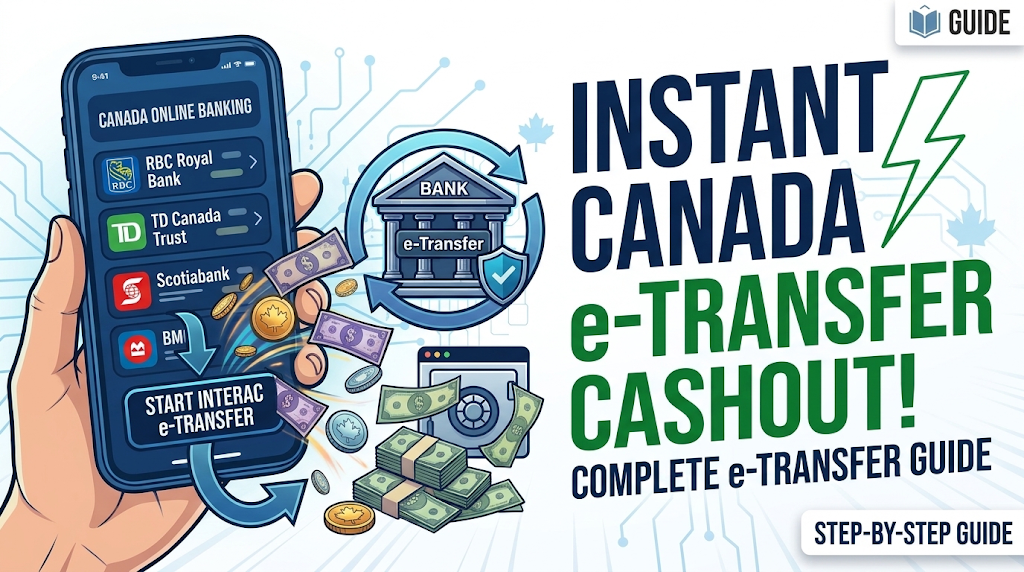
Looking for a simple way to move funds from your Canadian bank log to Shakepay? This guide explains how to send an Interac e-Transfer, deposit funds, and purchase supported cryptocurrency.
Participating banks may include Scotiabank, TD, CIBC, Tangerine, Simplii Financial, ATB Financial, and BMO.
1. PURCHASE YOUR BANK LOG
Use a Canadian bank that you can control and manage, among the different bank log options, Scotia is a dependable and trustworthy selection. Choosing Scotia guarantees a more seamless and secure cashout process.
After getting your bank log:
-
Check your available balance.
-
Review your Interac e-Transfer limits.
-
Confirm that your bank supports the required transfer method.
2. SET UP YOUR SHAKEPAY ACCOUNT
Step 1: Create and Verify Your Account
Register through Shakepay's official platform using your own information and complete any required verification.
Step 2: Get Your Deposit Instructions
Open the funding or Interac e-Transfer section and follow the deposit instructions provided in your Shakepay account.
3. SEND AN INTERAC E-TRANSFER
Step 1: Open Your Bank Log Transfer Section
Sign in to your bank log and navigate to Interac e-Transfer.
Step 2: Enter the Transfer Details
Use the recipient information provided by Shakepay and enter the amount you want to send.
Step 3: Review and Confirm
Check the details and confirm the transfer.
4. CONFIRM YOUR SHAKEPAY DEPOSIT
Once the transfer is processed, check your Shakepay account to confirm that your funds have arrived.
Processing times may vary depending on your bank.
5. PURCHASE CRYPTOCURRENCY
Once your funds are available:
-
Choose a supported cryptocurrency.
-
Enter the amount you want to purchase.
-
Review the transaction details.
-
Confirm your purchase.
6. WITHDRAW OR MANAGE YOUR CRYPTO
Depending on available features, you may be able to:
-
Hold your cryptocurrency.
-
Transfer eligible crypto to an external wallet.
-
Sell crypto back into Canadian dollars.
Always double-check wallet addresses, networks, and transaction details before confirming a withdrawal.
CONCLUSION
The process is simple:
Canada Bank Log → Interac e-Transfer → Shakepay → Buy Crypto → Hold or Withdraw
Always use authorized accounts and check current platform requirements before making a transaction.