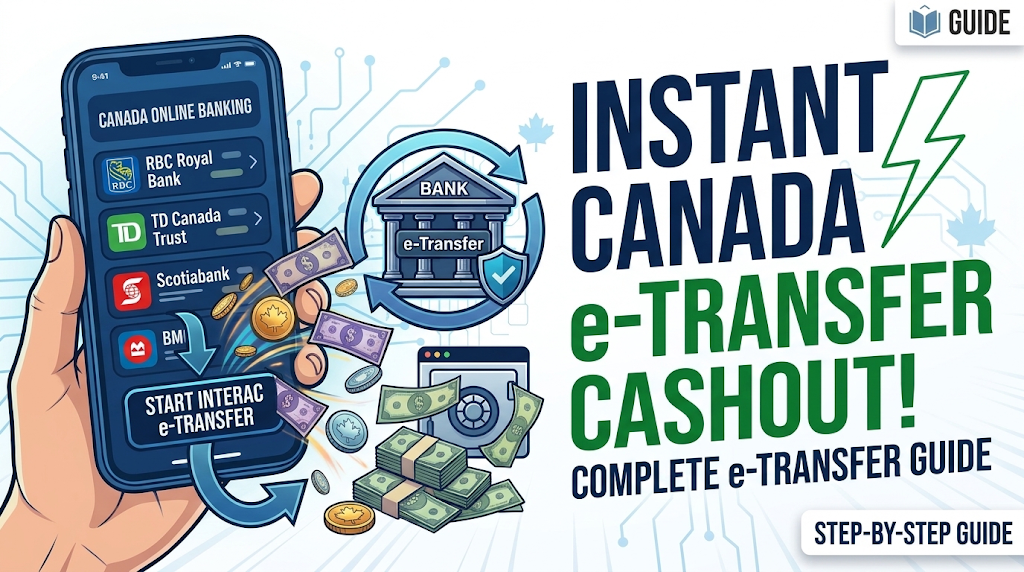
How to Do a Canada Bank eTransfer Cashout
Looking to learn how to get started with eTransfers? This detailed guide walks you through everything you need to know about using eTransfer with Canadian banks.
If you've picked up an existing account log with available funds from our site, we're here to help you understand how to move that money to a distant bank account, a private cryptocurrency exchange, or use it for bill payments and everyday shopping. Everything we share here is strictly for lawful use.
STEPS TO CASHOUT CANADA BANK LOGS VIA E-TRANSFER
Step 1: Understanding How eTransfer Works
Email transfers, or eTransfers for short, offer a reliable and secure approach to sending money electronically throughout Canada. These transfers operate through Interac, a reputable payment system that links most banks across the country.
Step 2: Acquiring an Existing Log That Has a Balance
Congratulations if you've obtained an existing log with a balance from our site! Before moving forward with eTransfers, double-check that your log information is complete and correct—particularly your bank name, account number, and security details.
Step 3: Logging Into Your Online Banking Account
Use the credentials provided with your purchased log to sign into your online banking. Guard this information carefully and maintain its confidentiality.
Step 4: Sending an Email Transfer (eTransfer)
Once you're in your account, search for the eTransfer sending option. Fill in the recipient's email address, specify how much you want to send, and establish a security question with an answer only your recipient would recognize. This question acts as a protective measure, ensuring only the right person receives the funds.
Step 5: Checking Your Transfer Information
Before finalizing, review your eTransfer carefully—verify the recipient's email, the amount, and your security question with its answer. Confirm everything is correct, then proceed.
Step 6: Receiving Email Confirmation
The recipient will be notified by email that an eTransfer has been sent their way. They'll need to open the email link, answer your security question properly, and choose their bank to complete the deposit.
Step 7: Making Use of eTransfers for Multiple Needs
eTransfers are perfect for moving money to accounts in other locations, paying invoices, or shopping online. Worth mentioning: several private crypto exchange services in Canada do take eTransfer as a payment method. Always confirm that any cryptocurrency dealings are authentic and comply with regulations.
Conclusion: Sending money through email transfers (eTransfers) at Canadian banks is super easy and safe. Just a heads up—everything we've covered here is strictly for lawful use. Want to dive deeper into eTransfers or get help with other money stuff? We've got you covered with one-on-one sessions via chat, Telegram, or WhatsApp. Hit us up anytime you need personalized help with your financial moves and keeping things secure. Enjoy your eTransfer!